


How to Book Airport Transfers for Large Groups
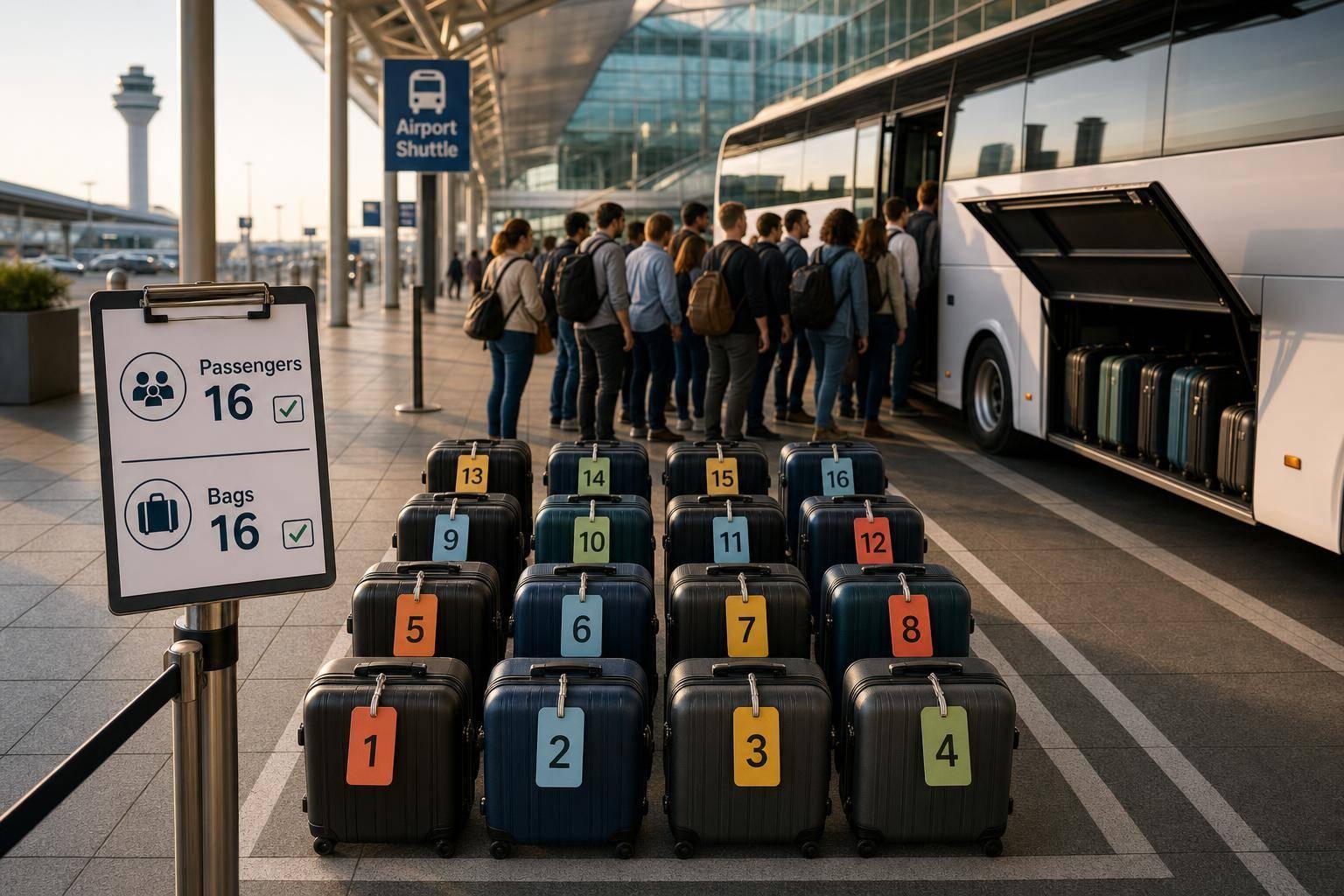
Getting passenger and luggage counts right is the single best way to avoid airport pickup problems for large groups.
How to Book Airport Transfers for Large Groups
Booking for a large group is mostly about getting the numbers right. If I have the passenger count, luggage count, route, flight number, date, time, and any child seat or mobility requests ready before I book, I cut the risk of pickup problems on the day.
Here’s the short version:
- I count all travellers, including infants and children
- I list all bags, plus pushchairs, golf bags, and wheelchairs
- I confirm the pickup airport, full address, and whether the trip is one-way or return
- I use the date as 20/08/2026 and time in 24-hour format
- I choose the vehicle by people + luggage, not by seats alone
- I add the flight number for the final arriving flight
- I check the confirmation straight away and keep one group contact for updates
One detail matters a lot: airport pickups usually include 45 minutes of free waiting time after landing, so the correct flight number helps the driver follow delays and time the pickup well.
If I’m near a vehicle’s limit, I book one size up. That simple step can avoid space issues, missed bags, and last-minute stress.
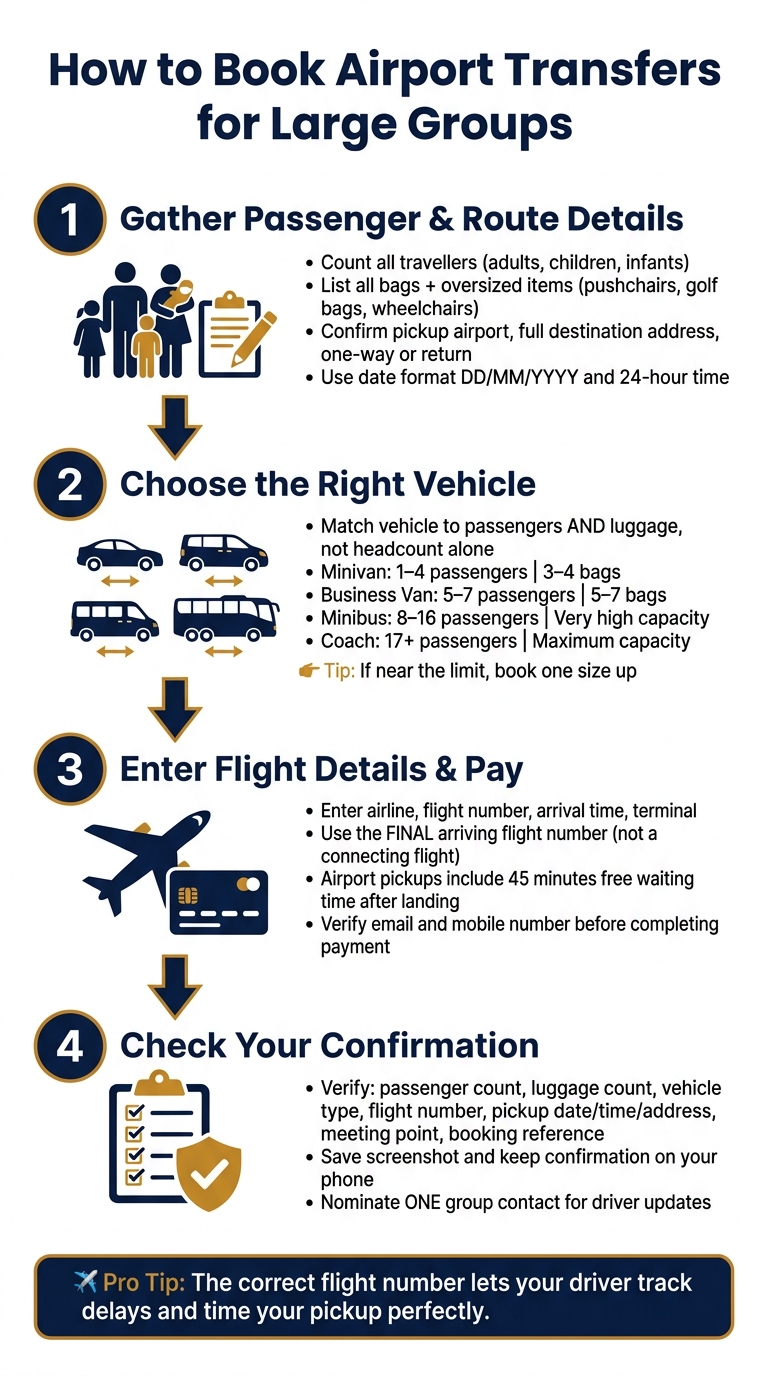
How to Book Airport Transfers for Large Groups: 4-Step Guide
Step 1: Gather Passenger Numbers, Route Details and Luggage
Start with the exact passenger count, route, and luggage details. That’s what decides the vehicle size. In plain terms: these details shape the car you should book.
Count every passenger and note any special requirements
Count every traveller in the group: adults, children, and infants. That matters because the vehicle must stay within its legal passenger limit.
Before picking a vehicle, write down any special requirements as well:
- Total passengers, including adults, children, and infants
- Child seats for young children should be requested during booking
- If anyone in the group uses a wheelchair or needs mobility support, mention that too
- Oversized items such as golf bags or pushchairs should also be listed separately, as they may require a larger vehicle
Confirm the route, travel date and bag count
Next, pin down the route details. You’ll need the pickup airport, the full destination address, and whether the transfer is one-way or round trip. If it’s a departure transfer, add the exact pickup time using local 24-hour format. For the date, use DD/MM/YYYY - for example, 20/08/2026 - so there’s no mix-up.
Then count the bags. Record standard suitcases and cabin bags separately, and list bulky items like golf bags or pushchairs on their own. Luggage volume can change the type of vehicle you need even if the passenger count stays the same. If you’re close to the luggage limit, it’s safer to book one size up. You’ll use these totals in Step 2 to match the right vehicle.
sbb-itb-ff87004
Step 2: Choose the Right Vehicle for Your Group
Use the totals from Step 1 to match seats and luggage space. The key point here is simple: choose the vehicle based on total passengers and total luggage, not headcount alone.
Match the vehicle to your group size, luggage and transfer type
Pick your vehicle based on passenger count, luggage volume and transfer type. If your group sits right on a vehicle’s stated limit, go one size up. It saves hassle and gives you a bit more room.
For large groups or corporate teams, one larger vehicle, such as a premium minivan or minibus, helps keep everyone together. If your luggage won’t fit in a single vehicle, split the group across two vehicles.
A simple rule of thumb:
- Minivan: up to four passengers
- Business van: five to seven
- Minibus: eight to 16
- Coach: 17+
Vehicle capacity comparison table
Use this table as a quick reference when choosing a vehicle category during booking:
| Vehicle Type | Typical Passengers | Luggage Suitability |
|---|---|---|
| Minivan | 1–4 | Moderate (3–4 bags) |
| Business van | 5–7 | High (5–7 bags + hand luggage) |
| Minibus | 8–16 | Very high |
| Coach | 17+ | Maximum capacity |
Also list wheelchairs, pushchairs and bulky items under extras so the vehicle has enough space for everything.
Once the vehicle is sorted, enter your flight details and complete the booking.
Step 3: Enter Flight Details, Book and Pay
Once you’ve picked the right vehicle, you’re on the last stretch: entering the trip details properly. Follow the form in this order: pickup and drop-off address, travel date and pickup time, passenger count, luggage, vehicle selection, and then flight information. It sounds simple, but small errors here can cause pickup issues later.
Enter complete flight and pickup information
Enter your flight details exactly as they appear on your ticket. For airport pickups, this part matters most. Add the airline, flight number, scheduled arrival time, and terminal if it’s listed on the ticket. That’s how the driver tracks the flight and shows up at the right place, at the right time.
Airport pickups include 45 minutes of complimentary waiting time from landing.
Double-check that you’re using the flight number for the final leg arriving at the destination airport, not an earlier connecting flight. If your booking includes meet and greet, the driver will wait in the arrivals hall with a personalised name sign, so the terminal information needs to be right.
Check the total price and complete payment
Before paying, look over the final price and make sure it includes any extras you added, like child seats or an extra stop. Also check your email address and mobile number carefully so you receive the booking confirmation and driver updates. One wrong digit can hold up updates for the whole group.
After payment, review the confirmation in Step 4.
Save the confirmation and check every detail before travel.
Step 4: Check Your Confirmation and Review It Before Travel
Use your confirmation to double-check everything from Steps 1 to 3 before travel day. The moment it lands in your inbox, open it and go through it properly. This is your last chance to spot the wrong passenger details, luggage numbers, or flight info before the day itself. Save a screenshot and keep the confirmation on your phone too.
Check the booking confirmation line by line
Go through the booking line by line, starting with the details that affect pickup and whether the vehicle will fit your group.
| Detail to Check | Why It Matters |
|---|---|
| Passenger count | Makes sure the vehicle has enough seats and seatbelts for everyone. |
| Luggage count | Helps avoid problems if checked bags and hand luggage won’t fit in the vehicle. |
| Vehicle type | Confirms the assigned vehicle suits the group size and luggage load. |
| Flight number | Lets the driver track delays. |
| Pickup date, time and addresses | Confirms the driver arrives at the right place at the right time. |
| Meeting point instructions | Shows exactly where the driver will wait and whether a name sign is included. |
| Booking reference | Makes it easier to contact support and identify the booking. |
If the terminal, flight number, or meeting point is wrong, compare it with your flight ticket and sort it out before travel.
Update any changes early and nominate one group contact for driver updates
If anything changes, update it straight away. Leaving it until the last minute can mean the wrong vehicle turns up, or the pickup details no longer match your plan. It also helps to choose one group contact for driver messages, so all updates and support queries stay in one place.
FAQs
What if my flight is delayed?
If your flight is delayed, there’s no need to worry. 7transfers tracks flights in real time and adjusts your pickup time on its own.
If the delay is up to 3 hours, waiting time is included at no extra cost. Your driver will still meet you in the arrivals hall with a personalised name sign.
How early should I book for a large group?
Book as early as possible to improve your chances of getting availability and the right vehicle size for your group and luggage.
If your plans change, 7transfers lets you update the date, time or flight number free of charge up to 6 hours before pickup, subject to availability. Free cancellation is also available up to 24 or 48 hours before the trip, depending on the booking conditions.
Can I change my booking after payment?
Yes, you can change your booking after payment, but the terms depend on the service you chose, and extra charges may apply.
If you added 7Transfers Plus, you can change the date, time, or flight number at no extra cost up to 6 hours before pickup, subject to vehicle availability.
If not, the standard modification rules apply. Check your confirmation email or contact support at booking@7transfers.com.