

.png)
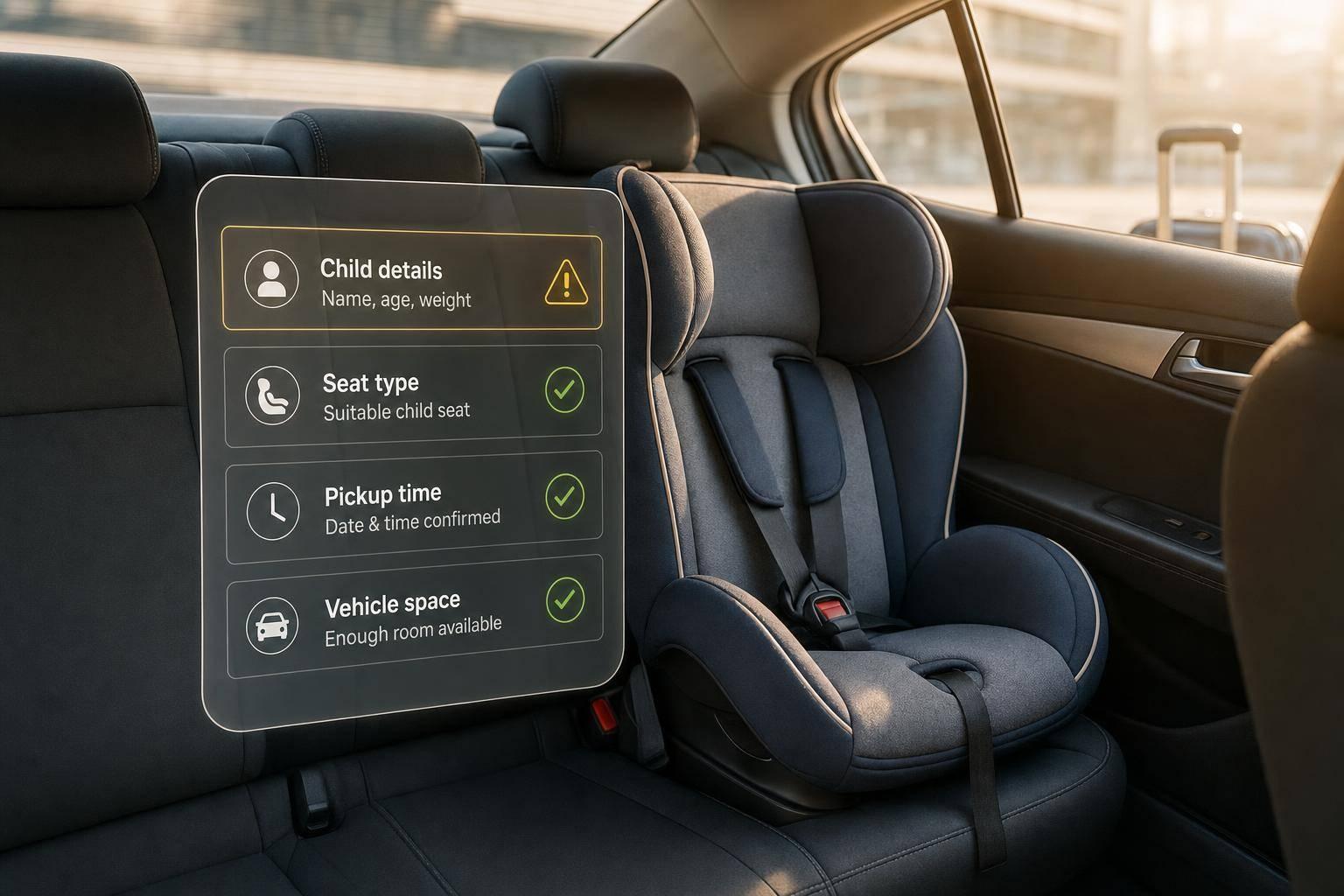
Why Child Seat Request Fails on Transfer Booking
One missing child detail can void a transfer child-seat request — check child data, seat type, timing, and vehicle space before booking.
Why Child Seat Request Fails on Transfer Booking
A child seat request can fail even after checkout. In most cases, the issue comes down to 4 things: missing child details, the wrong seat type, booking less than 24 hours before pickup, or a vehicle that cannot take the seat.
If I want to avoid problems, I check these points before I pay:
- Child details: age, height in cm, weight in kg, and number of seats
- Seat type: baby seat, infant seat, or booster
- Timing: book at least 24 hours before pickup
- Vehicle space: enough room for children, luggage, and pushchair
A simple rule helps: if the confirmation email does not show the child seat, I treat the request as not confirmed and contact support at once. That matters because a request is only a request until the booking record shows it.
Here’s the short version:
- Most common cause: missing child data
- Most time-sensitive cause: late booking
- Most missed check: vehicle size
- Best fix: send the booking reference plus all child details straight away
| Issue | What happens | What I do |
|---|---|---|
| Missing child details | The system cannot match the seat | Send age, height, weight, and seat count |
| Wrong seat type | The selected seat does not fit the child | Ask support to change the seat type |
| Late request | There is not enough time to prepare the seat | Contact support at once |
| Route or vehicle limit | The car or route cannot take that seat | Ask for a larger vehicle class |
In short: one missing detail can stop the whole request, so I verify the seat in the confirmation email, not just at checkout.
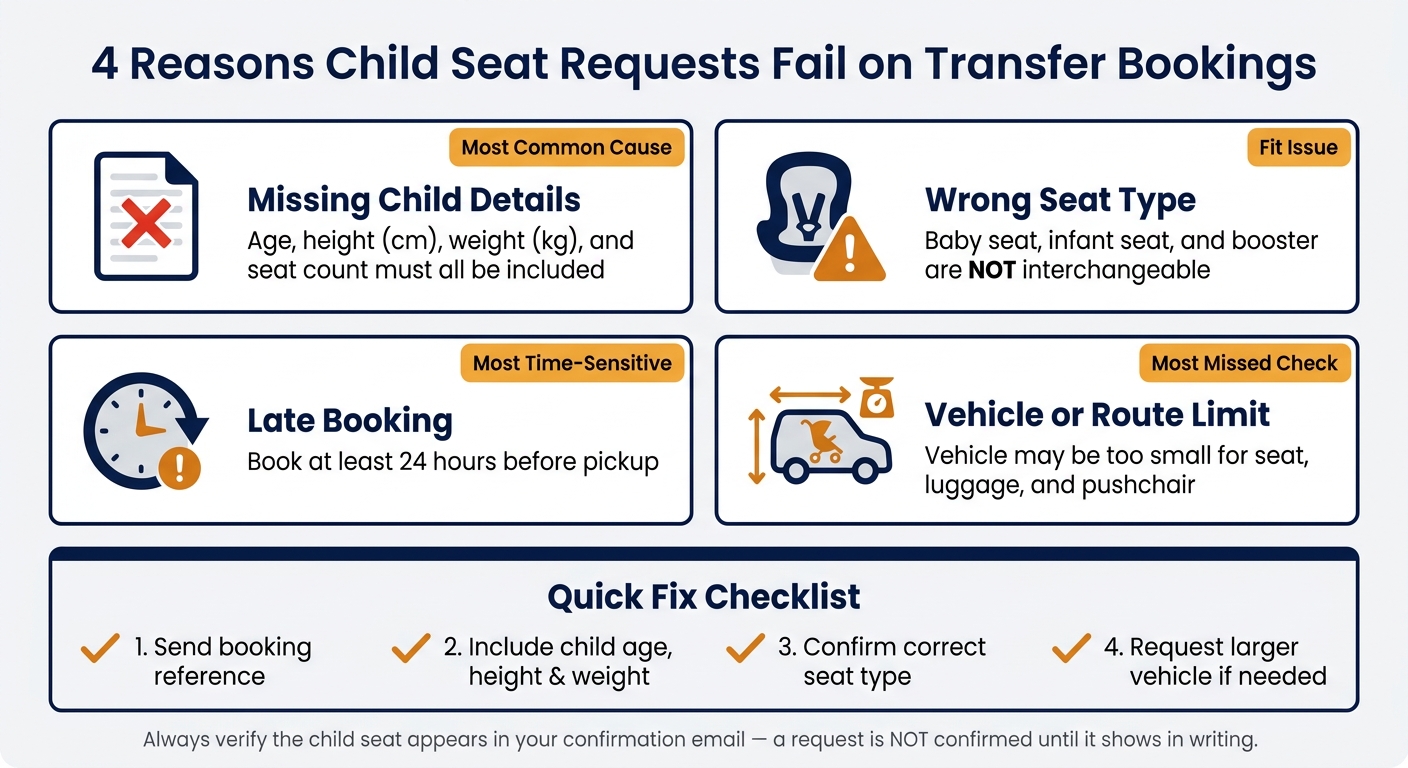
4 Reasons Child Seat Requests Fail on Transfer Bookings
The 4 most common reasons a child seat request is not confirmed
These are the four issues that most often stop a child seat request from being confirmed. The biggest one tends to come first: missing child details.
Missing child details stop the seat from being matched
The booking system can't assign a seat without the child's age, approximate weight, and height. Those details determine the right seat type and the vehicle that can carry it. Add each child separately so each seat can be matched the right way.
Wrong seat type does not match the child or vehicle
Baby seats, infant seats, and boosters are not interchangeable, so choosing the wrong one can stop the request from going through. Check the seat type against the child's age and weight before you confirm.
If those details look correct, timing is the next thing to check.
Late requests leave too little time to prepare the seat
Book at least 24 hours in advance. Last-minute requests, especially for airport transfers and peak dates, may leave too little time for the seat to be prepared.
If the booking is still not confirmed, the route or vehicle may be the issue.
Route and vehicle limits block certain child seat options
Some routes and vehicle classes can't fit every child seat. Check that the vehicle has enough space for the seat, pushchair, and luggage before you confirm.
sbb-itb-ff87004
How to fix each child seat booking problem
If the seat request failed, use these fixes to sort it out fast.
Review and resend the correct child details
If the child seat is missing from the confirmation, resend the correct details right away. Contact support with the child's age, height in cm, approximate weight in kg, and the number of seats needed. For airport transfers, include the flight number too, so pickup can be adjusted if the flight is delayed.
If those details are right and the seat is still missing, the problem may be the seat type.
Switch to the right seat type before the trip date
If you picked the wrong seat category - for example, a booster when a baby seat was needed - ask for the change as soon as you notice it. Contact 7transfers support straight away and request written confirmation that the seat type has been updated.
If the seat type is right and the request still doesn't go through, timing may be the problem.
Contact support straight away if you booked late
If you booked close to departure, contact support immediately. Last-minute bookings depend on driver availability.
Confirm a seat-compatible vehicle if the route or vehicle is the blocker
If support can't match the seat to the vehicle, the limit is likely the route or vehicle. Ask support to confirm a seat-compatible vehicle class when you book a transfer online.
When you send the message, include:
- Booking reference number
- Route
- Travel date in dd/mm/yyyy format
- Pickup time in 24-hour format
- Corrected child details: age, height in cm, approximate weight in kg, and number of seats needed
If it's an airport pickup, add the flight number as well.
Child seat booking problems and fixes at a glance
This table shows the most common reasons a child seat request fails, plus the fastest way to sort it out.
If the request still doesn’t go through, use the final checks below before you complete the booking.
| Problem | Why it fails | Fastest fix |
|---|---|---|
| Missing child details | Age, weight, or seat count was not included in the booking form | Send your booking reference plus the child’s age and weight to support straight away |
| Wrong seat type | The selected seat type does not match the child’s age or size | Contact support immediately to switch to the correct seat type before the 24-hour deadline |
| Late request | The booking was made less than 24 hours before pickup, leaving too little time to secure the seat | Call support straight away using the number on your confirmation |
| Route or vehicle limits | The vehicle class is too small for the number of seats, or the route has limited availability | Ask support to move you to a larger vehicle class, such as a minivan |
Final checks before you complete your booking
Use these last checks to spot missing details, wrong seat choices, late requests, and vehicle size issues before you pay.
Enter the total number of passengers, including children, and choose the right child seat type. If the vehicle you picked is too small, change to a larger class, such as a minivan, before you confirm.
Also, book at least 24 hours in advance. If you book later than that, contact 7transfers support straight away.
When your confirmation email arrives, open it and make sure the child seat is listed in the booking confirmation. If it isn't there, reply to the confirmation email or contact support and include your booking reference.
FAQs
Can I add a child seat after booking?
Child seats or boosters should be requested during the initial booking, as they’re subject to availability.
If your booking is already confirmed, contact the 7transfers support team to ask about adding a child seat. In some cases, booking changes may still be possible, and extra charges may apply.
What if I need more than one child seat?
If you need more than one child seat, you can request them during the booking process with 7transfers.
Child seats, baby seats, and Maxi-Cosi options are subject to availability. In some cases, they may include a small supplement depending on the route.
To give your request the best chance of being accepted, make sure you add the correct passenger details and specify the equipment you need when you complete your reservation.
How do I know my child seat is confirmed?
After you request a child seat with 7transfers, you'll get a booking confirmation by email. Your reservation details, including extras like child seats, are handled as part of the booking.
If anything changes, such as driver assignment or service details, updates are sent to the contact details you provided by email, SMS, WhatsApp, or phone.