


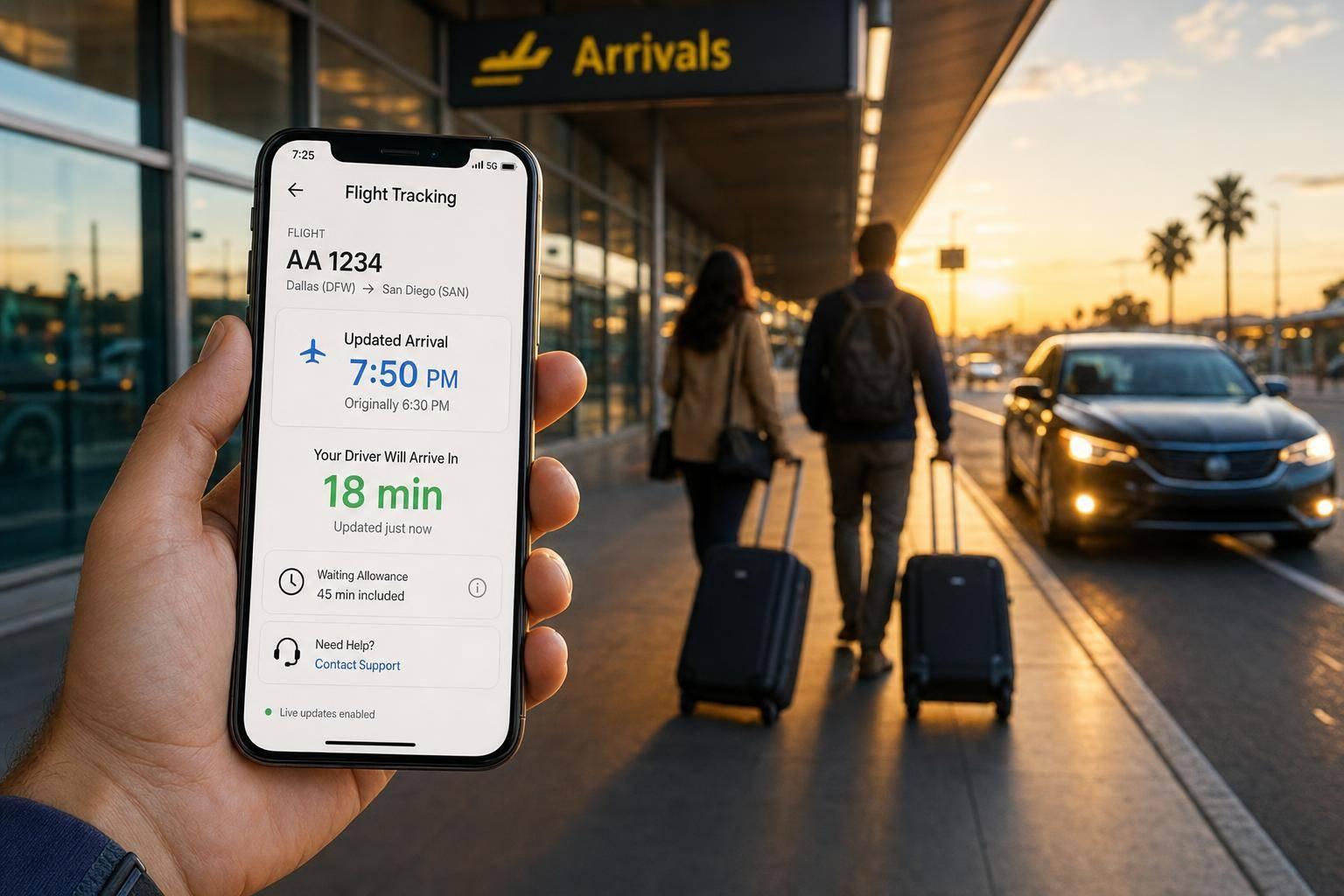
Flight Delayed? Here's How Airport Pickup Tracking Works
How flight-number tracking updates pickup times, waiting allowances, and when to contact support for booking changes.
Flight Delayed? Here's How Airport Pickup Tracking Works
If I add my flight number when I book, the pickup time follows my flight. That means a normal delay or early landing usually needs no action from me. The driver and dispatch team see live updates, and airport waiting time starts from landing, with 45 minutes free for airport pickups and 15 minutes for non-airport pickups.
Here’s the short version:
- Standard delay: pickup moves with the new landing time
- Early arrival: pickup can move earlier too
- New flight number: I need to contact support
- Different airport: I need to contact support
- Different day: I need to contact support
- Meet and greet: the driver waits in arrivals with a name sign
- Best tip: I should enter the flight number, date, and time correctly in 24-hour format
A few points matter most:
- The booking is linked to the flight number, not just the original time
- Drivers can see if the flight is on time, delayed, or landed
- For airport pickups, there is 45 minutes of waiting time after landing
- With 7transfers Plus, delay cover can extend up to 3 hours
- If I can’t find the driver, I should check WhatsApp, SMS, or email, then contact support
| Situation | Does tracking update it? | What I need to do |
|---|---|---|
| Delay, same flight number | Yes | Nothing |
| Early landing, same flight number | Yes | Nothing |
| New flight number | No | Contact support |
| Diverted to another airport | No | Contact support |
| Moved to another date | No | Contact support |
In other words: flight tracking handles normal timing changes, but not booking changes. That’s the main thing I’d want to know before landing in Madrid-Barajas, Barcelona-El Prat, or any other airport in Spain.
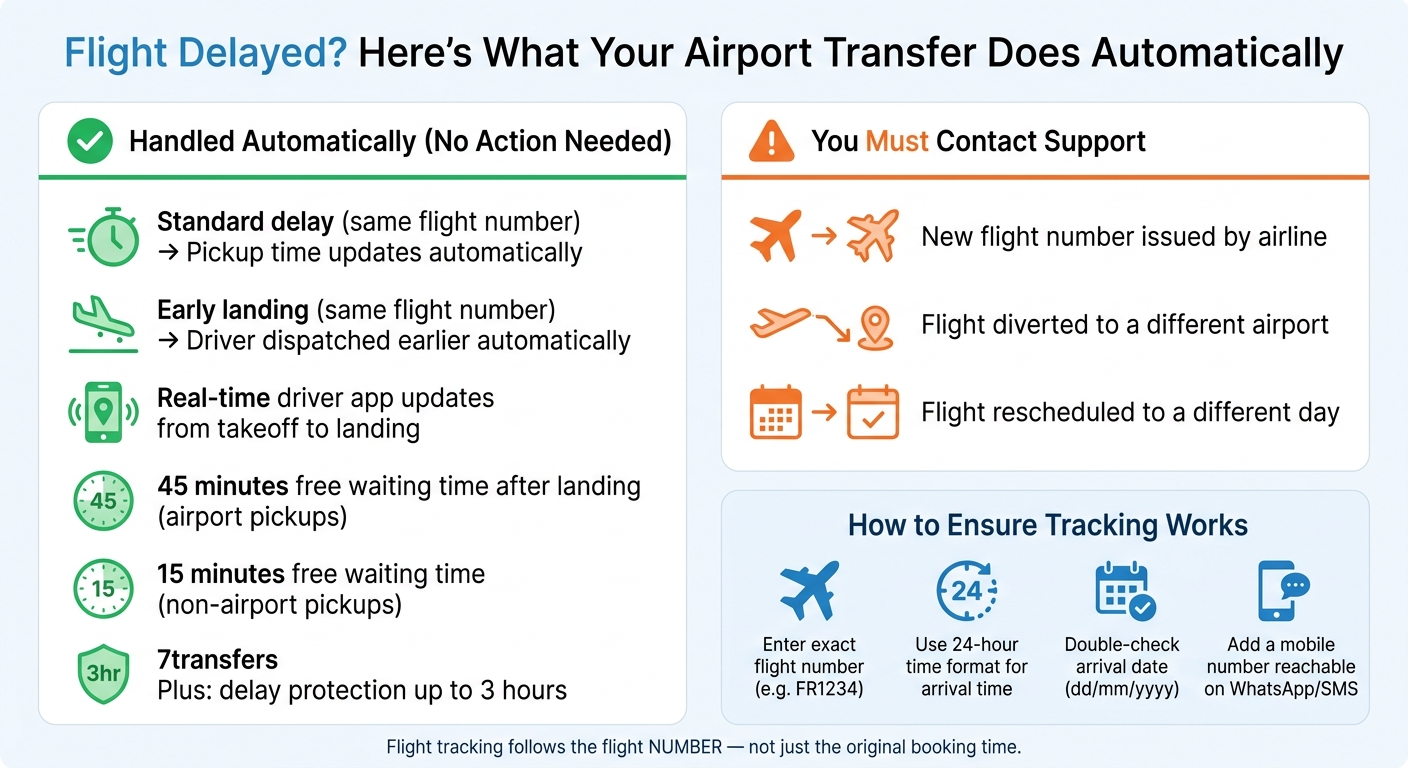
Flight Delay & Airport Pickup Tracking: What Happens Automatically vs. What You Need to Do
How flight tracking works behind the scenes
The booking details that make tracking possible
Flight tracking only works when the booking starts with the right details. The flight number is the main one, because it connects your transfer booking to live airline data. If that number is missing or typed wrong, the system may not spot delays or early landings on its own.
The booking also needs your arrival airport, arrival date in dd/mm/yyyy format, scheduled arrival time in 24-hour format, the full name for the meet-and-greet sign, and a mobile number you can answer when you land. Put simply, these details help the system match your booking to the right flight without guesswork.
| Booking Detail | Why It Matters |
|---|---|
| Flight number (e.g. FR1234) | Links the booking to live airline data |
| Arrival airport (e.g. Málaga (AGP)) | Identifies the airport for route and dispatch setup |
| Arrival date (dd/mm/yyyy) | Schedules the driver for the correct day |
| Arrival time (24-hour format) | Sets the baseline for tracking updates |
| Passenger name | Used for the meet-and-greet sign |
| Passenger mobile number | Allows driver and dispatch to coordinate on arrival |
How live arrival updates reach the dispatch team and driver
Once the booking is connected, tracking runs quietly in the background. The system watches live airline data in real time. If the flight’s estimated landing time changes, the system sends an automatic update straight to dispatch and the driver app. That means the pickup time moves with the new landing time.
So the booking stays in line with the latest flight status from takeoff to landing. If your flight is delayed by two hours, for example, the driver’s planned arrival time updates to match.
Next, here is what that means in practice when your flight is early, late, or changed.
How 7transfers uses flight tracking for airport pickups
7transfers uses the flight number to monitor live status and adjust pickup timing automatically. For each airport pickup with a valid flight number, the driver app updates in real time, so both dispatch and the driver work from the latest landing time. In plain English: if the flight moves, the pickup moves with it.
sbb-itb-ff87004
What happens when your flight lands early, late, or is rescheduled
If your flight is delayed
When a flight is delayed, pickup moves to the new landing time. The system also leaves room for taxiing, baggage reclaim, and the walk to arrivals.
If your flight lands earlier than planned
If your flight lands ahead of schedule, dispatch can move earlier too. The driver still aims for the moment you can realistically reach arrivals, because getting off the plane is only part of the journey. Taxiing, baggage reclaim, and the walk to the arrivals hall all take time, and the system factors that in.
If you don't see the driver at arrivals, check WhatsApp, SMS, or email for an update. If needed, contact support via chat or WhatsApp.
If your flight is rescheduled, diverted, or given a new number
This is the one case where you need to get in touch. Tracking follows the flight number entered when the booking was made. So if the airline gives your flight a new number, diverts it to another airport, or moves it to a different day, support needs to update the booking.
| Situation | Tracking Status | Action Required |
|---|---|---|
| Standard delay (same flight number) | Automatic | None - system updates dispatch |
| Early landing (same flight number) | Automatic | None - driver dispatched earlier |
| New flight number issued | Not automatic | Contact 7transfers support immediately |
| Diversion to a different airport | Not automatic | Contact 7transfers support immediately |
| Rescheduled to a different day | Not automatic | Contact 7transfers support immediately |
With 7transfers Plus, you can change your flight number or time free of charge up to 6 hours before pickup. For any other booking, contact support as early as possible so the details can be updated before the driver is dispatched.
Once the flight details are updated, the next step is arrival waiting time and meet-and-greet.
Waiting time, meet-and-greet, and what to do on arrival
Included waiting time for airport and non-airport pickups
Once tracking shifts your pickup to match your landing time, the waiting policy kicks in. The waiting clock starts at landing as soon as live tracking updates your arrival time. 7transfers includes 45 minutes of free waiting time for airport pickups and 15 minutes for non-airport pickups.
That longer airport window is there for a simple reason: passport control and baggage reclaim can take time. It gives you room to get through the airport and reach arrivals without stress. If you book 7transfers Plus, delay protection can stretch to 3 hours with no extra waiting charges.
How meet-and-greet works after a delayed arrival
After you land, your main job is to find your driver in arrivals. Your driver will meet you there with a name sign and then take you to the vehicle.
The exact meeting point can change by terminal, so it’s worth checking your booking confirmation or any messages you’ve received. That small detail can save you a lot of back-and-forth after a long flight.
When to contact 7transfers support
Sometimes the flight lands, but things still go off track. If baggage collection takes longer than expected, you’re not sure which terminal you’re in, or you can’t find your driver, contact support straight away.
Support is available 24/7 through:
- Telegram
- Phone
For bookings in Spain, call +34 960 000 800.
How to make sure your airport pickup goes smoothly
Booking steps that help tracking work correctly
Once tracking is active, a smooth pickup comes down to one thing: clean booking details.
Enter your flight number exactly as issued. That’s the detail that connects your booking to live tracking, so dispatch can follow delays and early arrivals automatically. Use the 24-hour time format for your arrival time, and check the date one more time. A small mistake here can send the driver to the airport at the wrong hour.
It also helps to add a mobile number you can actually reach on WhatsApp or SMS. If you need a child seat or extra luggage space, include that during booking so the right vehicle is assigned from the start.
If your flight changes later, what you need to do depends on the type of change. A normal delay is one thing. A schedule change is another.
Key points to remember if your flight is delayed
Ordinary delays don’t need any action. Contact support only if the flight number, airport, or date changes.
Accurate details help keep the transfer matched to your actual arrival.
✈️ Flight Tracking for Airport Pickups Real Time Updates
FAQs
What counts as a normal delay?
At 7Transfers, a normal delay means a change to your flight schedule that’s tracked in real time and dealt with automatically. That includes flights that land earlier than planned or arrive later than expected.
If those live updates make it possible to adjust the pickup automatically, there won’t be any extra confusion or waiting charges beyond what’s already included, such as flight delay protection of up to 3 hours where applicable.
When should I contact support?
Contact support if you have any questions about your booking, want to update your preferences, or need help with cancellation or refund terms.
For booking queries, email booking@7transfers.com.
For legal questions, use legal@7transfers.com.
For general enquiries, contact info@7transfers.com.
How do I find my driver at arrivals?
Check the booking updates sent by email, SMS, WhatsApp or phone. They’ll let you know when your driver has been assigned, is on the way, or has arrived.
7Transfers also tracks your flight in real time. That means your driver gets updates automatically if your schedule changes, so they can be there whether your flight lands early or late.