

.png)
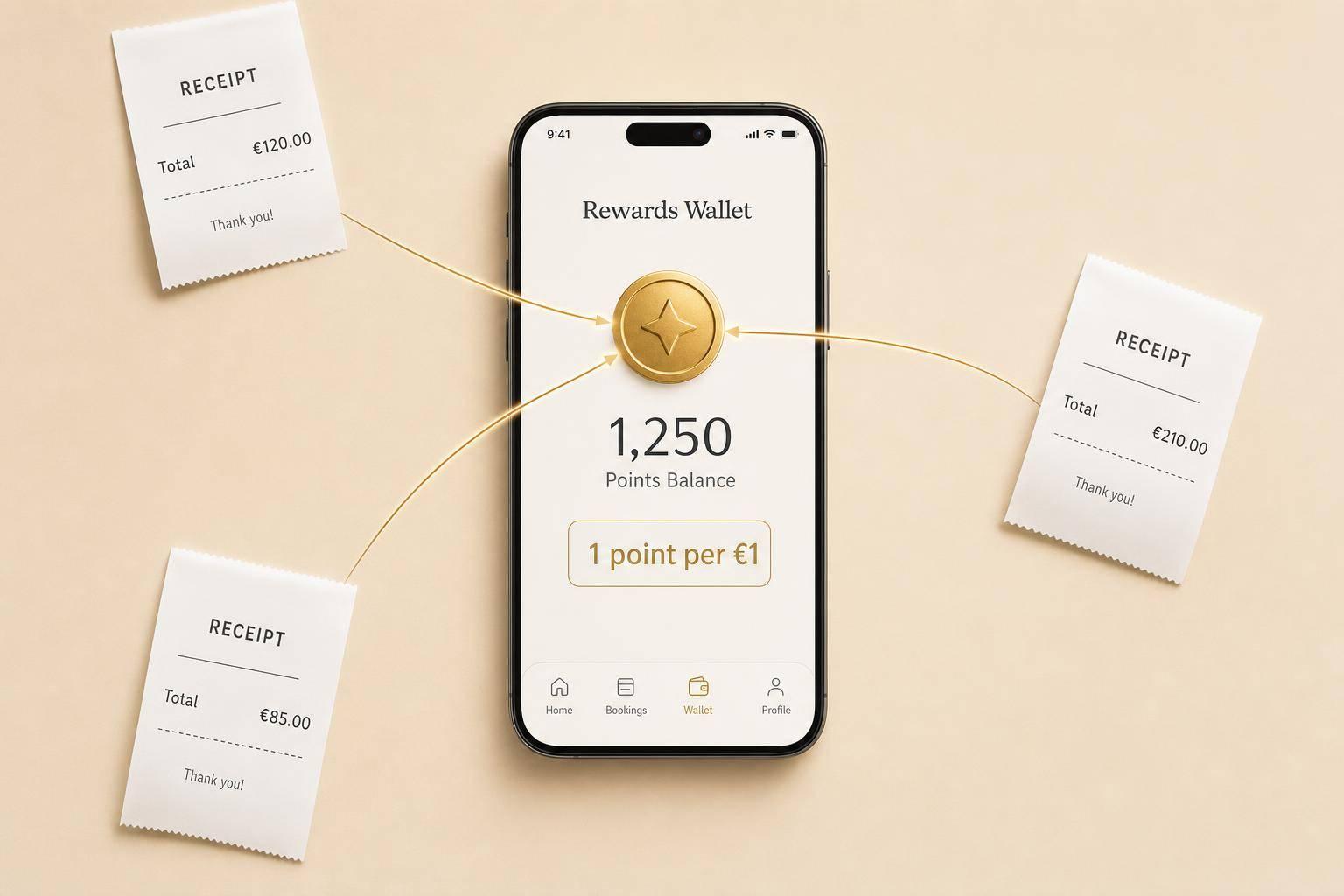
Family Bookings: Points Rules
One linked 7Rewards account earns 1 point per €1 after a completed family transfer; points aren’t split or transferable.
Family Bookings: Points Rules
If you book a family transfer, one 7Rewards account gets all the points. You earn 1 point per €1 on the eligible booking total after discounts, and points are added only after the trip is completed.
Here’s the short version:
- Points are not split between adults, children, or other passengers
- One booking links to one 7Rewards account only
- Cancelled trips and no-shows earn 0 points
- Return bookings are treated by leg, so only completed legs earn points
- Child seat charges can count, but only if they are part of the eligible total paid to 7Transfers
- The account holder does not need to travel to get the points
- Points stay with the linked account and cannot later be moved to another family member
What matters most is simple: if the booking is linked to your account, and the trip is completed, the points go to your account - not to the passenger.
If I were checking a family booking, I’d focus on just three things first: the linked member number, the eligible € total after discounts, and whether each leg was completed.
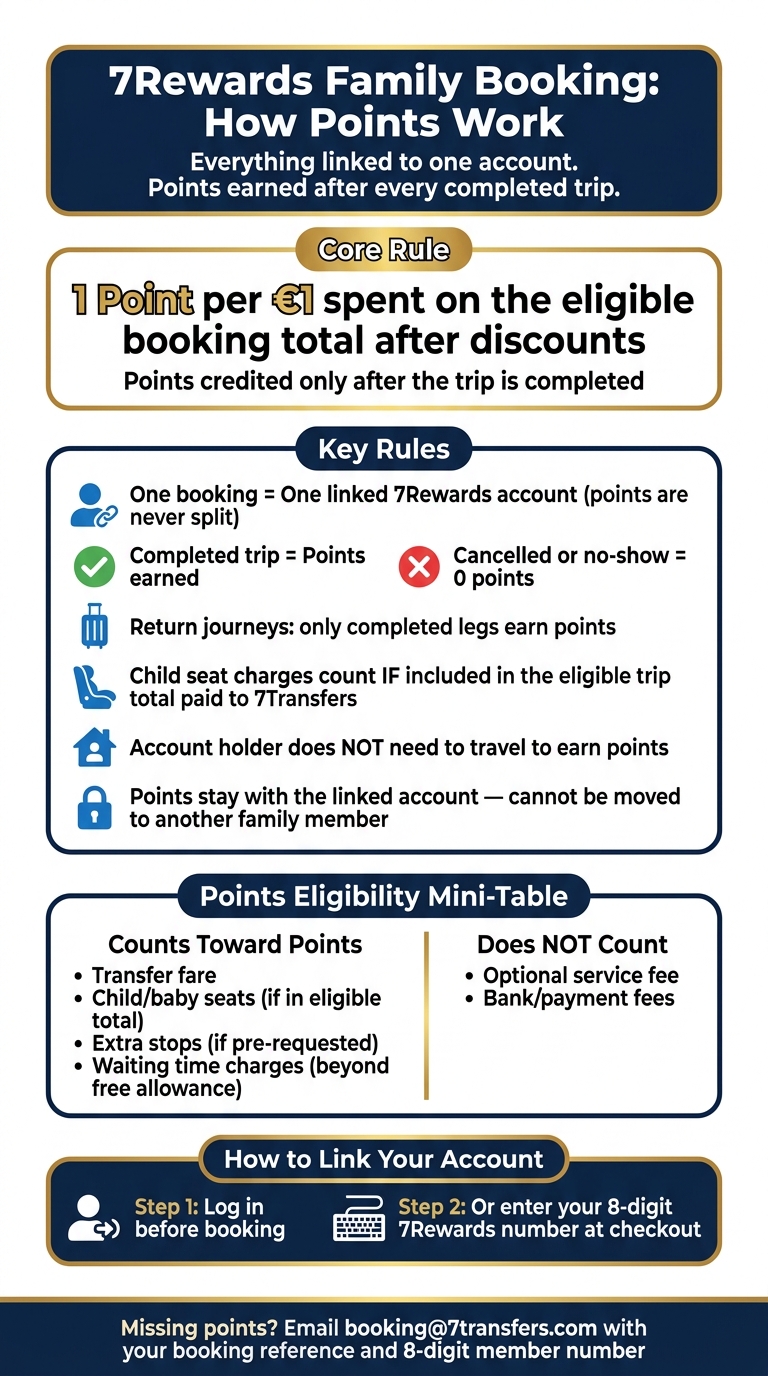
7Rewards Family Booking Points Rules at a Glance
Who earns points on a family booking
With family bookings, one linked 7Rewards account gets all the points, even if several people are travelling on the same booking. That’s the key rule to keep in mind when more than one passenger is included.
Adding extra family members doesn’t multiply the points. And it doesn’t create a separate reward for each passenger.
One booking, one linked account
A booking can be linked to only one 7Rewards account. Other passengers can still travel without having their own accounts, but the points won’t be divided between family members.
If you book without signing in, you’ll need to enter your 8-digit 7Rewards number at checkout. Once the points go into that linked account, they stay there and can’t be transferred later.
Completed trips, cancellations, and no-shows
A booking on its own doesn’t mean points are guaranteed. If the ride is cancelled or missed, you earn 0 points.
| Booking Event | Points Awarded |
|---|---|
| Completed trip | 1 point per €1 spent |
| Cancelled booking | 0 points |
| No-show | 0 points |
If you used points on a booking and then cancel it, those points are usually put back into your account, subject to the standard cancellation and refund rules.
Return journeys and separate travel legs
Split bookings work the same way on each leg. A return booking includes two separate travel segments: the outbound leg and the return leg. Points are awarded only for the legs that are actually completed.
So if your family takes the outbound transfer but cancels the return leg, you’ll earn points only for the completed part of the trip.
sbb-itb-ff87004
Child seats, extra services, and eligible booking value
Family bookings often come with extras. But not every charge earns points.
For points, what matters is the eligible trip total paid to 7Transfers. That means child seats, baby seats, and some add-ons only count when their cost is included in that total.
On family bookings, points still go to the linked account. The main thing to check is simple: which charges are part of the eligible booking value. If an add-on is included in the amount charged by 7Transfers, it counts toward points once the trip is completed. Bank or payment fees do not count.
Do child seat charges count toward points
Yes, if the child seat charge is part of the eligible trip total after discounts and is paid to 7Transfers, it counts toward points.
If the charge is a bank or payment fee, it does not count.
Points eligibility by booking element
These booking elements count only when they are included in the final eligible trip total.
| Booking Element | Counts Toward Points | Condition or Exclusion |
|---|---|---|
| Transfer fare | Yes | Standard base fare for the vehicle and route |
| Child / baby seats | Yes | Included as a supplement in the eligible booking value |
| Extra stops | Yes | Requested in advance and included in the final quoted trip total |
| Waiting time charges | Yes | Only if charged beyond the included free allowance |
| Optional service fee | No | Excluded from points |
| Bank/payment fees | No | Retained by the bank or payment processor |
Booking for children, parents, or other relatives
The same rules apply when you book for family members or other relatives. The person who books, the person who pays, and the passenger don’t have to be the same person. The points still go to the linked account used for the booking.
When the account holder is not travelling
You don’t need to be in the vehicle to earn points. If you book for parents, children, or other relatives, the points go to your 7Rewards account as long as the booking is linked to that account.
The easiest way to do that is simple:
- Log in before you book
- Or add your 8-digit 7Rewards number at checkout
Booking details that must be correct
Once the booking is linked the right way, the passenger details need to be spot on. If someone else is travelling, enter their name, contact number, and pickup address correctly so the driver can reach them without any mix-up.
For airport pickups, always add the flight number. That lets flight tracking be used and helps adjust pickup times if the flight is delayed. If children are travelling, request child seats, baby seats, or Maxi-Cosi options during booking.
Points ownership, corrections, and key takeaways
Who can claim points after the ride
Once the trip is completed, the points remain with the linked 7Rewards account and can't be claimed by another family member. That rule applies even if someone else took the ride.
Put simply: the account linked to the booking gets the points. Not the passenger.
Points also aren't transferable between accounts unless 7Transfers says so directly.
How to check or correct missing points
If your linked account still shows no points after travel, start with the basics. Points are added only after the trip has been completed.
So first:
- Check that the booking was completed
- Review the eligible total after discounts
- Match the points against the same booking reference and member number linked to the booking
Because the points stay with the linked account, that's the account you need to check against the booking reference and member number.
If the points still don't appear, contact booking@7transfers.com and include your booking reference plus your 8-digit member number.
Main rules at a glance
For family bookings, these are the points to keep in mind.
| Rule | Detail |
|---|---|
| Points ownership | Points stay with the linked account, not with the passenger |
| Transferability | Not transferable between accounts unless expressly allowed |
| When points are credited | After the trip is completed, not at payment |
| Redemption timing | Points can only be used on future bookings |
| Missing points process | Contact booking@7transfers.com with your booking reference and 8-digit member number |
FAQs
Can I add my member number after booking?
No. You can’t add your 7Rewards member number after the booking is complete.
To earn points, sign in during checkout or enter your 8-digit member number if you book as a guest. Add it when you make the reservation so your 7Rewards balance updates correctly.
What if I used points and completed only one leg?
Points are added only after the full trip is finished.
So, if you book a journey with several legs and complete just one of them, you won’t get points yet for the total booking amount.
Your points are worked out from the final trip total after discounts. That means they aren’t given for part of a journey or for single segments on their own. Once the whole service is completed, your account gets 1 point for every €1 of the total trip cost.
Why did I earn fewer points than expected?
You earn 1 point for every €1 of your total trip cost after discounts.
So if you got fewer points than you expected, one common reason is simple: the total may have been rounded down to the nearest whole euro before points were added.
Points are based only on the final trip value. That means any promotional voucher or discount code lowers the amount that qualifies for points.
Points are credited only after the trip is fully completed.